How to start mining Quantus (QTC)
From zero to your first QTC: get a wallet, pick a miner, choose the closest server and start mining Quantus on HeroMiners with one GPU.
What you need
Mining Quantus on HeroMiners needs no account and no sign-up: the wallet address you put in your miner is your login, your stats page and your payout destination. Before you start, have these four things ready:
- A recent NVIDIA, AMD or Intel Arc graphics card.
- A Quantus wallet address (it starts with qz).
- A miner that supports the quantus algorithm: PeakMiner, SRBMiner-Multi (version 3.7.0 or later), BzMiner or WildRig NG.
- A stable internet connection.
Step 1: get a Quantus wallet
Quantus addresses use the SS58 format and start with qz. The pool checks your address at login, so a mistyped address is rejected instead of silently mining to the wrong place. The wallet setup guide in this help center covers creating one.
Keep your wallet and its recovery phrase safe: payouts are non-custodial and go straight to this address, so it is the only place your coins ever live.
Step 2: pick your miner and server
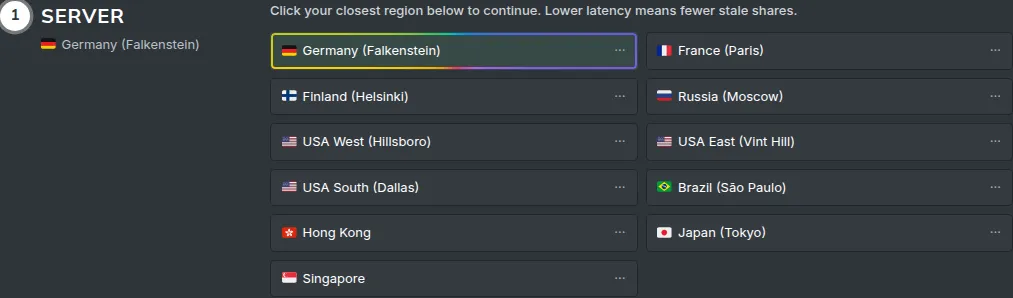
Download one of these miners from its official releases page, then open our How to Mine page. It measures your latency, auto-selects the closest region and builds the exact command line for your miner, ready to copy. Port 1155 serves both plain TCP (stratum+tcp://) and encrypted TLS (stratum+ssl://) connections.
Step 3: start mining and watch your stats
Start the miner. Within a few minutes your first accepted shares appear, and you can open the dashboard by typing your wallet address into the search box on any page. Rewards are paid automatically every hour once your confirmed balance reaches the minimum payout shown on the site.