






Setting up a Quantus wallet
Create a Quantus wallet from the official source, recognise a valid qz address, learn how hourly payouts reach it, and keep your recovery phrase safe.
Where do I get a Quantus wallet?
Create your Quantus wallet only with software from the Quantus project's own source. The project publishes its node and tools on GitHub (github.com/Quantus-Network).
The node can create a new wallet with the command quantus-node key quantus. It generates a new 24-word recovery phrase and its keys.
What does a valid address look like?
- Format: SS58, the address format Quantus uses.
- Start: every address starts with qz.
- Case: addresses are case-sensitive, so copy and paste them rather than typing.
The pool checks the address and its checksum at login. A mistyped address is rejected with a clear error. It never mines to the wrong destination by accident.
How do payouts reach my wallet?
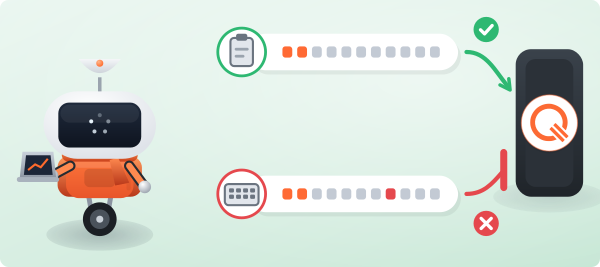
The pool never holds an account for you. Payouts go straight to your own address.
- Native payouts: automatic every hour, once your confirmed balance reaches the minimum payout.
- Payouts in Bitcoin or Monero: first converted on an exchange, once a day.
- The public Payments page lists the payouts of the last month with their transaction hash.
How do I keep my keys safe?
Whoever holds the recovery phrase holds the coins. Write it down offline and never share it.
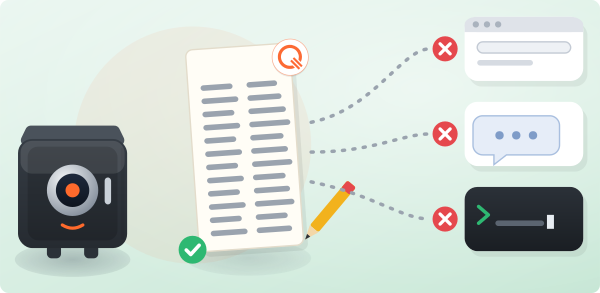
Never paste it into a website or a chat. Avoid typing it on a command line too, where it can end up in your shell history. The Quantus node reads it from a prompt instead.
The pool only ever needs your public address (qz…), nothing more.